Raspbot V2: Il Robot Car AI con Raspberry Pi 5 per Tutti i Livelli di Sviluppo 🤖🚗
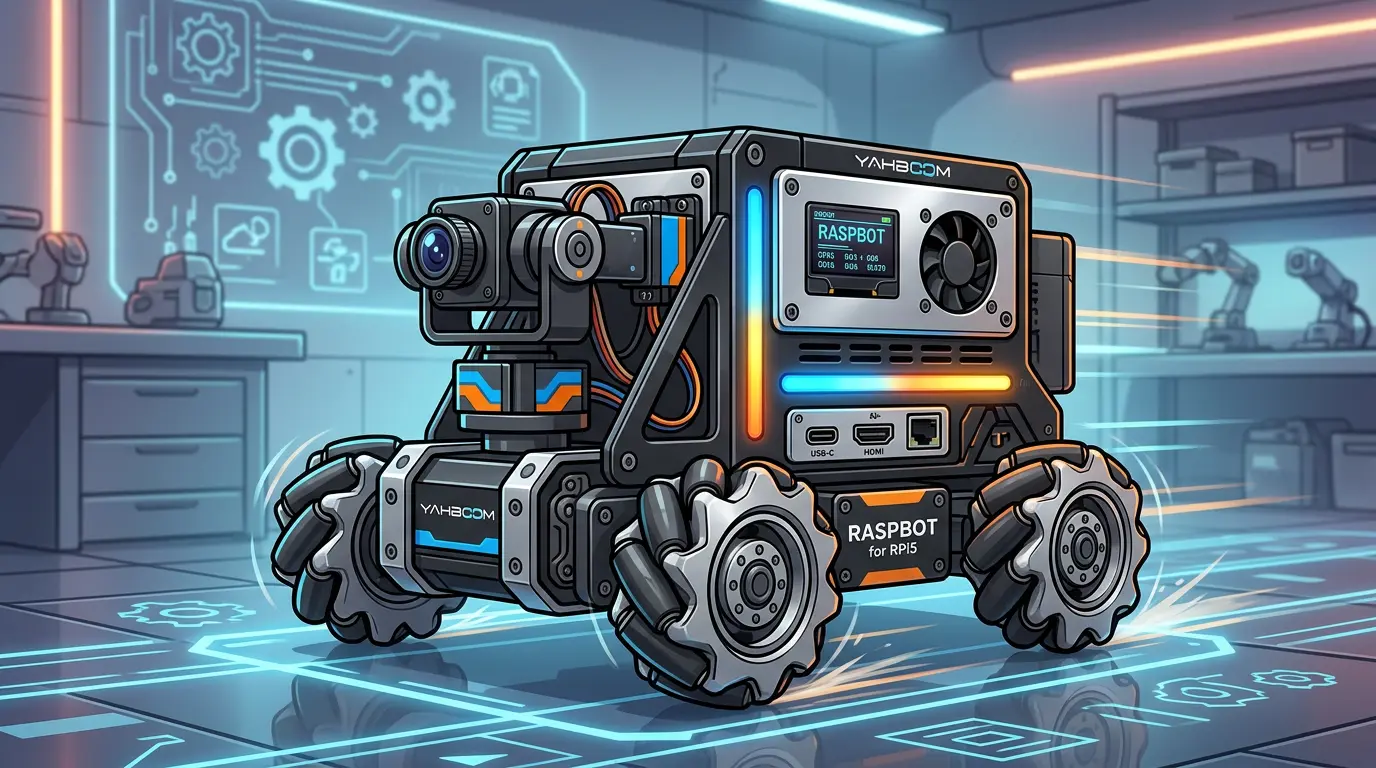
Il Raspbot V2, ora disponibile su Amazon in varianti da 99€ a 379€, rappresenta un salto di qualità per chi vuole entrare nel mondo della robotica AI senza investimenti proibitivi. Basato su Raspberry Pi 5, ruote Mecanum omnidirezionali e libreria OpenCV/MediaPipe, è una piattaforma versatile per principianti, maker e sviluppatori avanzati. Esplora le opzioni su Amazon o visita direttamente il repository ufficiale.
Specifiche Tecniche: Hardware e Software Potenti a Portata di Mano 🔧
Varianti e Prezzi
Hardware Chiave:
Chassis metallico + 4 ruote Mecanum (360° omnidirezionale)
RPi5 + drive board multifunzione (tracking 4ch, ultrasonic, OLED, RGB LED)
Camera 1MP 110° + PTZ 2DOF (pan/tilt)
Software: Python, ROS2 Humble, OpenCV, MediaPipe
Superior aggiunge LLM integration e speech recognition.
Casi d’Uso: Da Hobby a Progetti Professionali 🎯
1. Educazione e Principianti (99-199€)
# Color tracking + follow

import cv2, mediapipe as mp

# PTZ auto-follow, line tracking
Ideale per scuole, coding camps: QR code, gesture recognition, basic autonomy.
2. Maker e Prototipi (199-279€)
# Ultrasonic obstacle avoidance + OLED status

ros2 launch raspbot_nav2 navigation_launch.py
Sorveglianza, delivery bot, home automation demo.
3. AI Avanzata e ROS (379€ Superior)
# Face detection + pose estimation

mp_pose = mp.solutions.pose

# License plate OCR + autonomous driving
Ricerca: SLAM, multi-modal AI, voice interaction (Whisper + LLM).
Demo Reali: QR following, traffic light nav, human gesture response.
Setup e Primo Avvio: Passo per Passo ⚙️
1. Assembly (15-30 min)
Chassis → Motors → Sensors → Pi5 → Battery

PTZ camera → USB → Drive board
2. Software Install
# Flash Raspberry Pi OS Lite/Bookworm

sudo apt install python3-opencv mediapipe ros-humble-desktop

git clone https://github.com/YahboomTechnology/RASPBOT-V2

cd RASPBOT-V2 && pip install -r requirements.txt
3. Test Base
# WiFi AP connect → App control

python color_tracking.py  # HSV calibration

ros2 launch raspbot_v2 demo.launch.py
App Features: Remote control, sensor dashboard, AI vision live feed.
Integrazioni Avanzate: Sblocca il Potenziale 🔗
ROS2 Humble Ecosystem
ros2 pkg create --build-type ament_python raspbot_nav

# Topics: /cmd_vel, /camera/image_raw, /ultrasonic/range

ros2 launch nav2_bringup slam_launch.py  # Mapping
Computer Vision Pipeline
# MediaPipe + OpenCV

def process_frame(frame):

results = hands.process(cv2.cvtColor(frame, cv2.COLOR_BGR2RGB))

# Gesture control → mecanum commands
Accessori e Upgrade
Line tracking module → Autonomous path following
RGB LED + OLED → Status/debug display
Superior LLM → Voice commands (“avanti”, “stop”)
Pro e Contro: Valutazione Onesta ⚖️
Valore: ⭐⭐⭐⭐⭐ per education/prototipi; ⭐⭐⭐⭐ per pro use.
Conclusioni: La Piattaforma Ideale per Robotica AI Accessibile 🚀
Raspbot V2 abbassa la barriera d’ingresso alla robotica AI seria: da 99€ per base a 379€ per AI avanzata. Con RPi5, Mecanum wheels e ROS2, è perfetta per studenti, maker e dev che vogliono hands-on con vision, navigation e autonomy.